Figma is amazing for designing lotttttsss of screens, and every day it feels like teams are using it more to collaborate between disciplines. But print setup is one big area that Figma does not do well.
So preflight your work in old-reliable Adobe Illustrator, with layer data unavailable to PDF export and SVG pasting:
- editable text
- alignment
- naming
- images and masks
- strokes
Or maybe the design needs a little more love than Figma's vector editing provides. All the edibility that comes with Overlord can help with that too.
Where are these incredible updates?
Open the Overlord desktop app and go to the UPDATES tab. It'll be right there waiting for you.
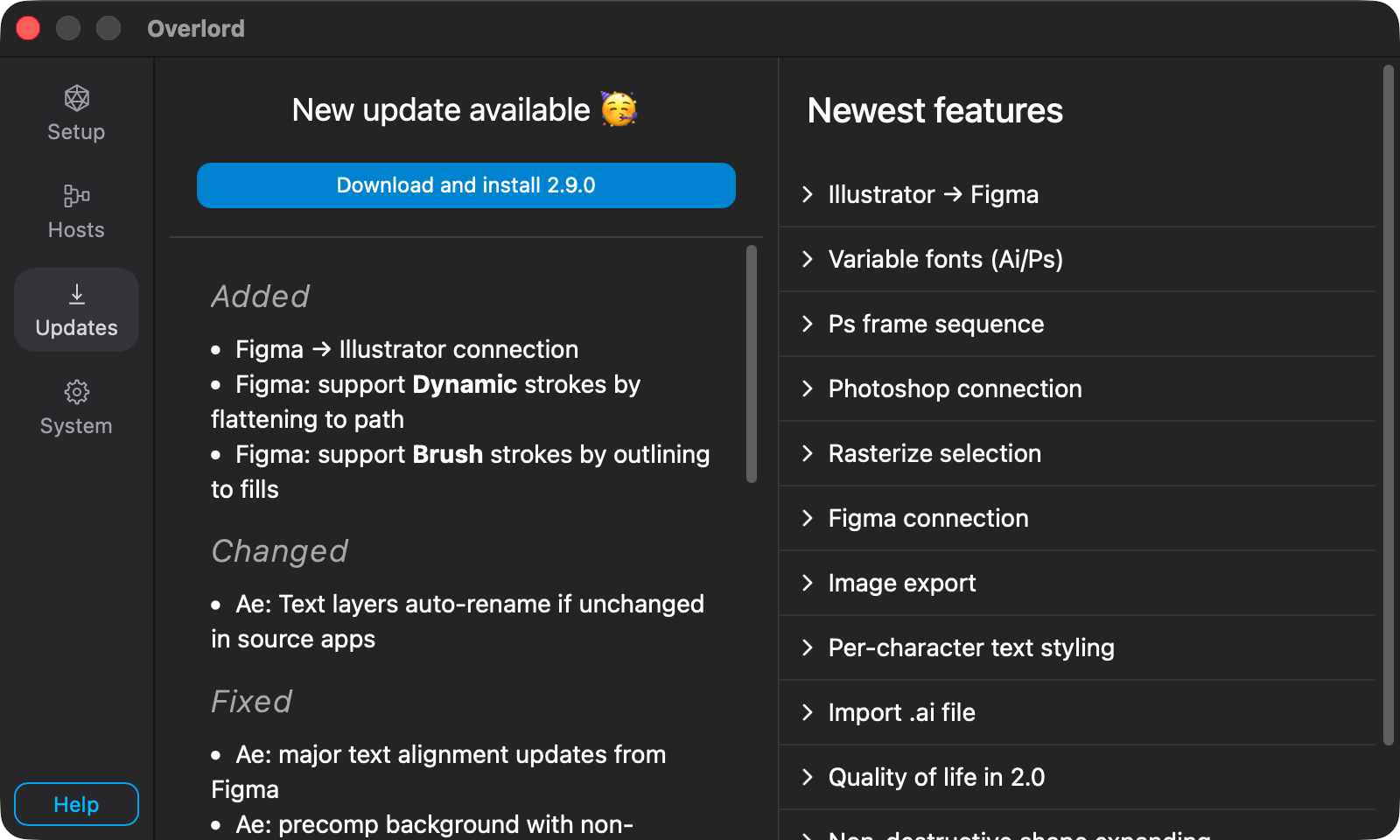
Be sure to update in the app for all the bug fixes and quality of life improvements. No renewal required. Just good stuff for everyone.
2.9.0 changelog
Added
- Figma → Illustrator connection
- Figma: support Dynamic strokes by flattening to path
- Figma: support Brush strokes by outlining to fills
Changed
- Ae: Text layers auto-rename if unchanged in source apps
Fixed
- Ae: major text alignment updates from Figma
- Ae: precomp background with non-uniform corner rounding
- Ae: remove
_BGsuffix from frame backgrounds to better support image backgrounds - Figma: frame backgrounds with non-uniform corner rounding
- Figma: rasterize selection compensates for effects and strokes outside layer bounds
- Figma: filter empty text layers from transfer
- Figma: transfer crash with rotated text within an instance
- Figma: rasterize export of a frame with a stroke on it fails
- Figma: temporarily disable auto layout while transferring single-sided strokes
- Figma: unnecessary error message when selecting a component outside a frame
Connection not allowedbetween Illustrator and Figma if Photoshop is open- Ps: breaking bug if pasting text from an older PSD (missing
paragraphStyle.directionType)

Overlord
A mystical portal between the silos of creation to send layers from Figma/Illustrator/Photoshop to Ae.
Overlord quick tips ICYMI
The Figma ↔️ Illustrator connection is complete. Take a look at the other side.
Utilizing Figma's fill stacking to create more complex styles for images.
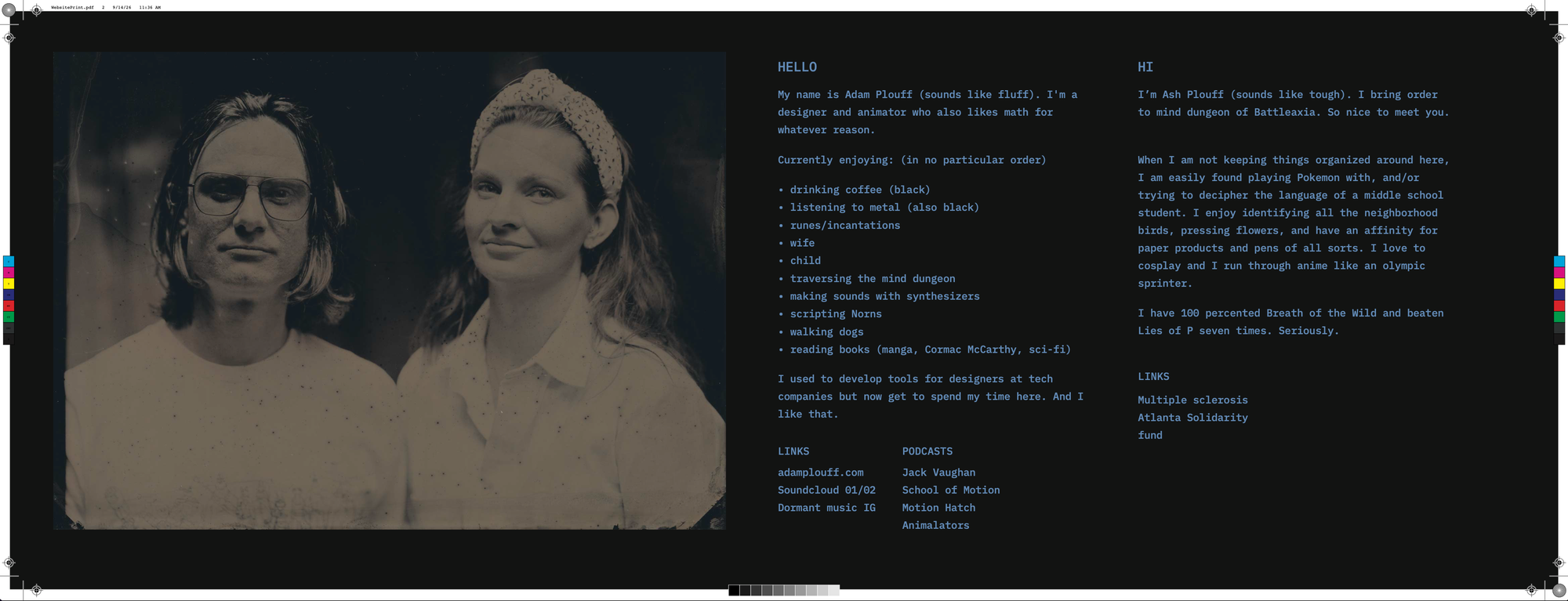
Ash's corner
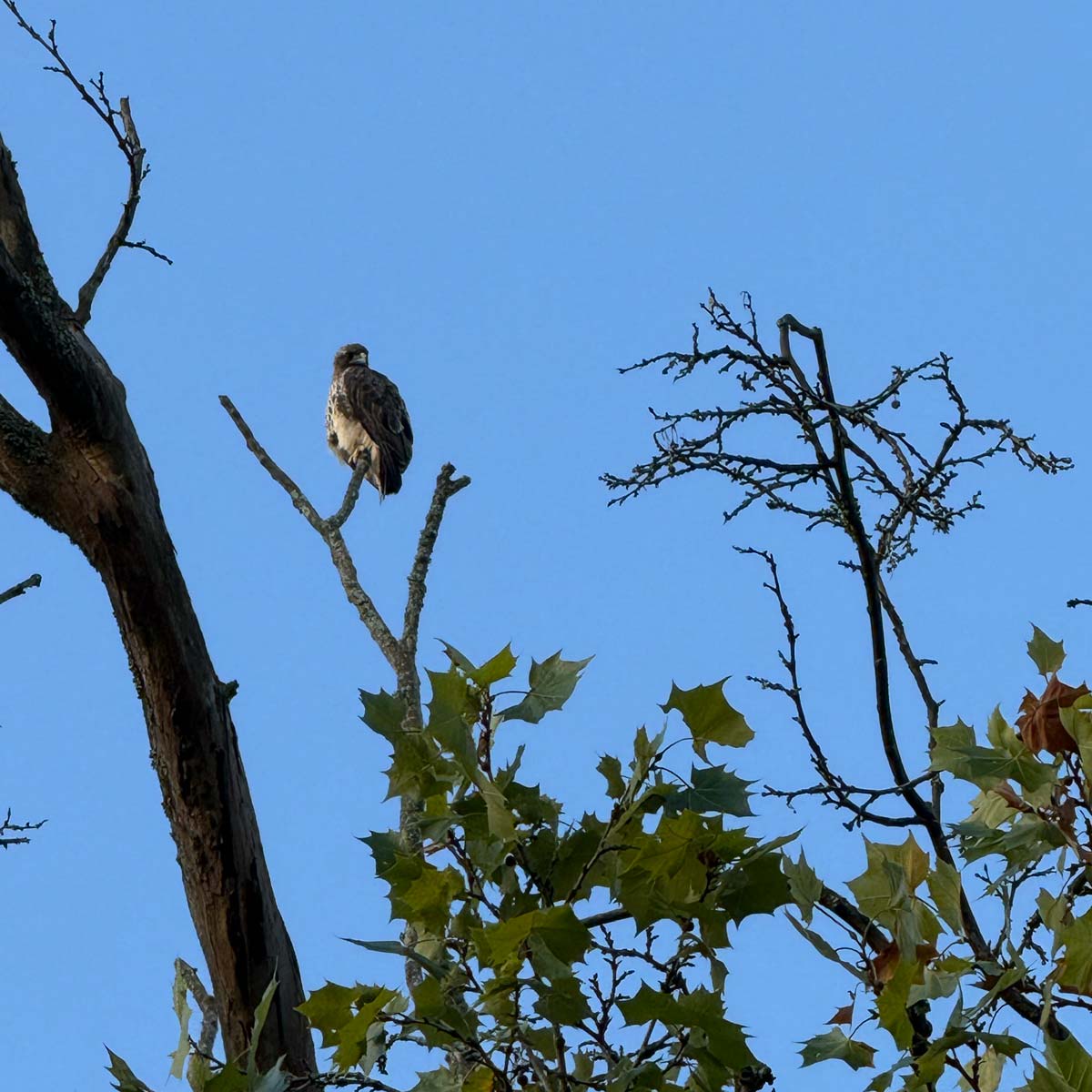
Without a doubt my favorite bird this month is the Red-Shouldered Hawk. This amazing bird has as a 5 foot wing span, sounds like an angry seagull and master of camouflage. Mornings I can sometimes catch them in a branch, but it’s magical to watch them hunt. Soaring then diving into the grass. Adam and I have seen one at LEAST twice a week this month.
-- Adam
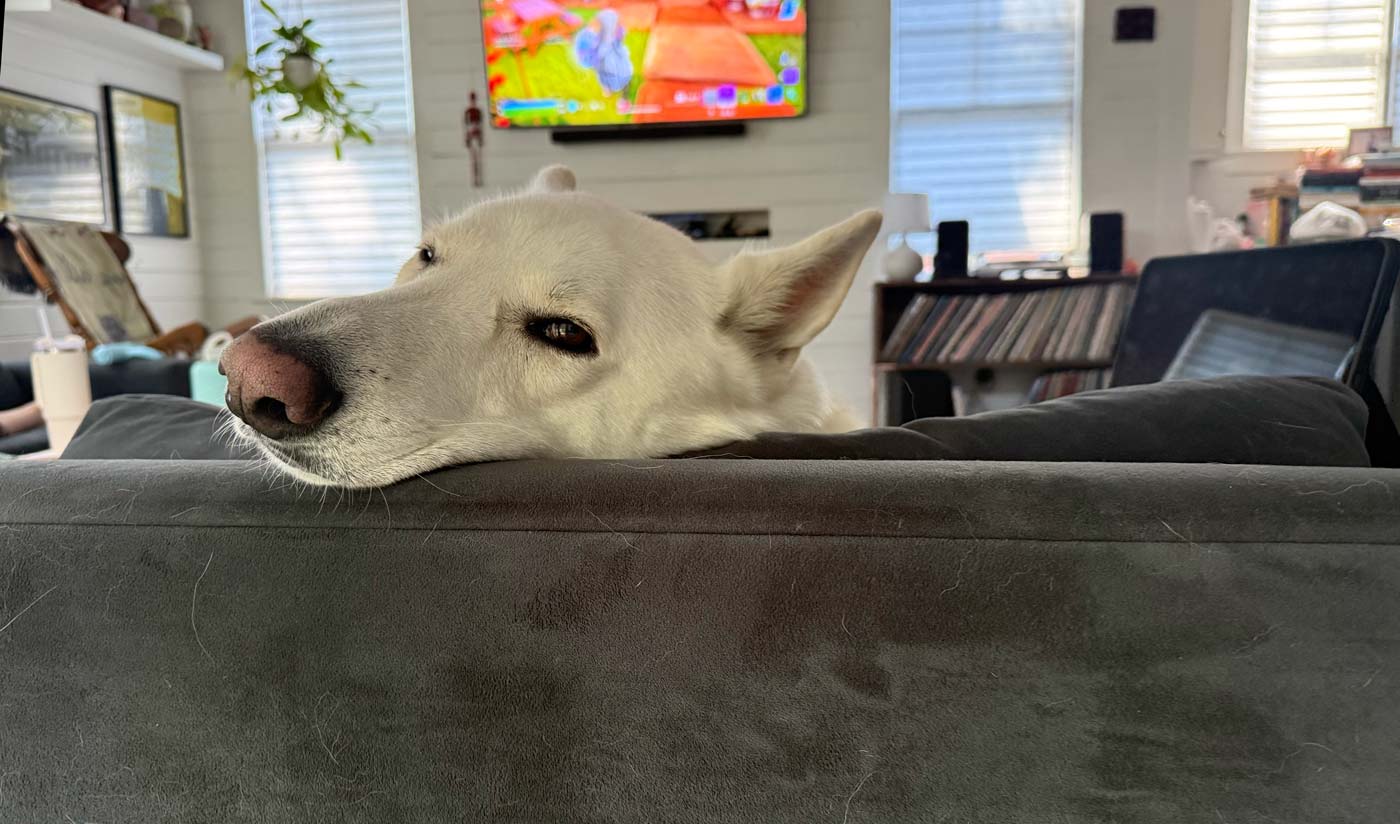
Obligatory Twig the wolf