Whether you collaborate with a team in Figma but do your vector work in Illustrator or you're migrating Illustrator designs to Figma, the newest Overlord connection is for you. Check out the workflow and when it works better than pasting.
For almost 10 years, Overlord has been built around motion in After Effects, but starting today, it extends its cthulhu-esque beard tentacles into the unknown. It's exciting. And terrifying.
Figma feels like it's becoming the hub for many designer's projects and we are fully on board. More connections built around Figma are coming in the next couple of months, so stay tuned.
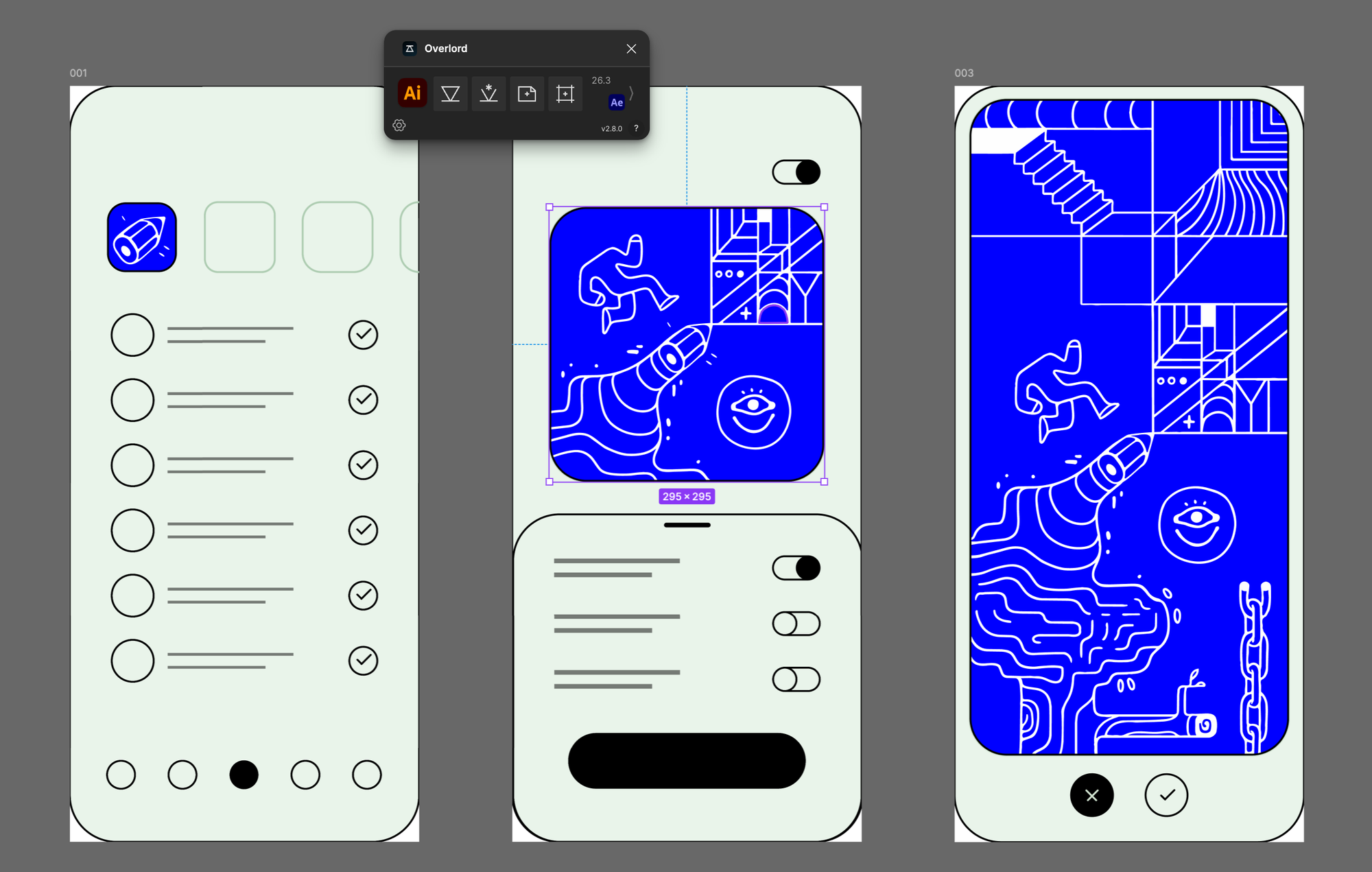
How do I get the update?
Open the Overlord desktop app and go to the UPDATES tab. It'll be right there waiting for you.
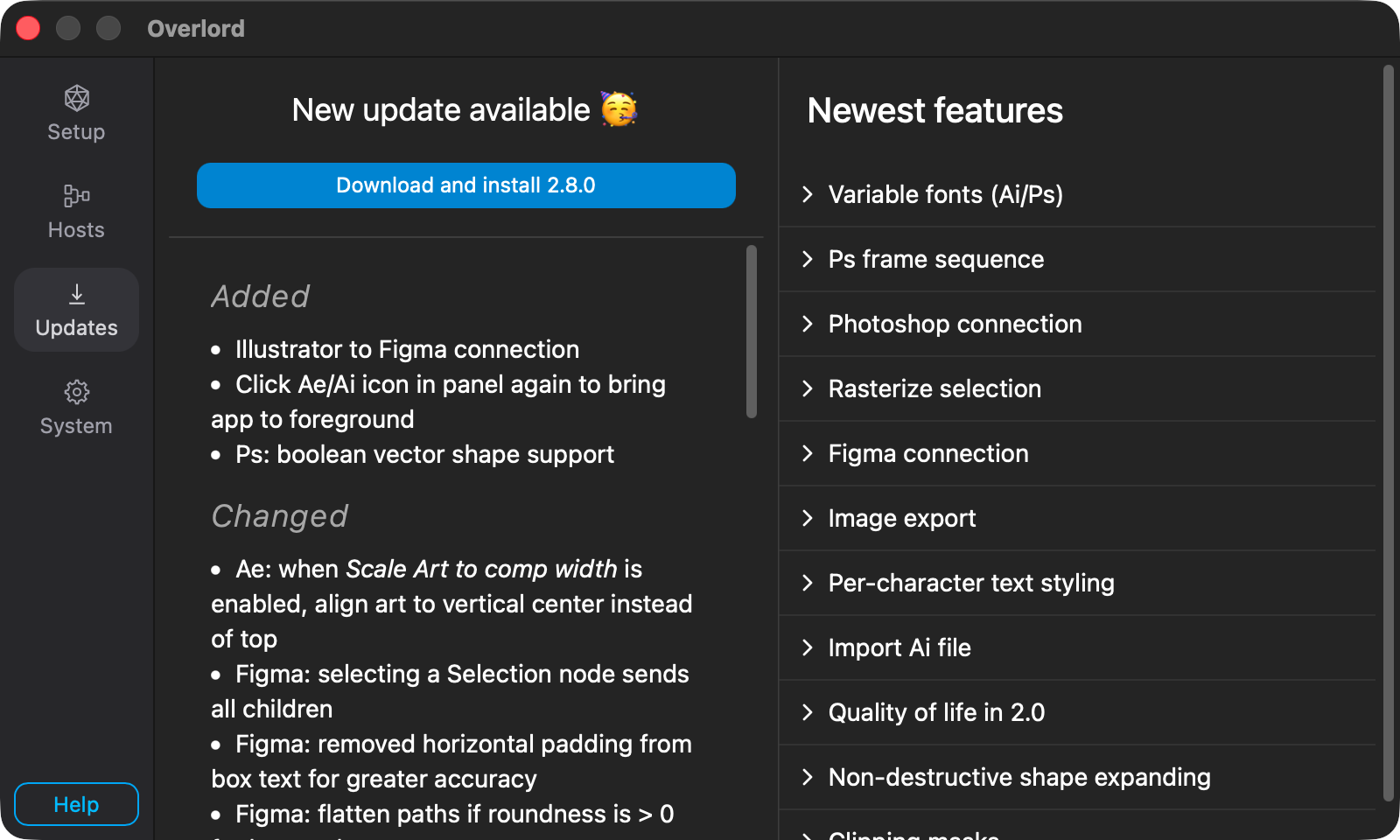
Version updates are for everyone and come with a lot of fixes and improvements (see below). If you purchased or renewed your Overlord license within the past year the Illustrator → Figma connection will come online as soon as you install the update and the new plugins and you'll see the new buttons.
Pretty huge 2.8.0 changelog
Over the course of building this new connection we stumbled onto lots of little things to improve. It always happens.
Added
- Illustrator to Figma connection
- Click Ae/Ai icon in panel again to bring app to foreground
- Ps: boolean vector shape support
Changed
- Ae: when Scale Art to comp width is enabled, align art to vertical center instead of top
- Figma: selecting a Selection node sends all children
- Figma: removed horizontal padding from box text for greater accuracy
- Figma: flatten paths if roundness is > 0 for better shape accuracy
- Ps: multiple layer style drop shadows will be created as Ae Drop Shadow effects
- Ai: filter guide shapes when rasterizing
- Ai: parametric shape detection simplify rotation from 180º back to zero
- Image export scale 1x minimum to prevent PNG image creation errors
Fixed
- Ps: outer glow layer style
- Ps: skip layer styles if they are disabled
- Ps: layer masks in PSDs with multiple artboards
- Ps: Text alignment can be offset if multiple artboards
- Ps: selecting a non-video layer or group broke frame sequence export
- Ai: Check if text layer has been manually renamed
- Ai: allow unfilled text layers
- Ai: unlinked image layer alignment
- Ai: unlinked image file name add ID to avoid overwriting same named layers
- Ai: reflected images
- Ai: missing Subtract merge on compound shapes
- Figma: overly rounded rectangles with iOS smoothing could have a flat tangent
- Figma: check if image FILL mode needs a mask to reduce Ae layer count
- Figma: catch for missing data from plugin generated icons
- Figma: text layer alignment set to fill width
- Improve the layer name incrementing algorithm

Overlord
A mystical portal between the silos of creation to send layers from Figma/Illustrator/Photoshop to Ae.
Overlord quick tips ICYMI
Utilizing Figma's fill stacking to create more complex styles for images.
Overlord automatically handles stroke alignment in After Effects, even though Ae doesn't.
Obligatory Twig the wolf + Buffy