Adobe is bringing SVG pasting to Ae (currently in beta) and it's a welcome addition to everyone's toolkit. So what's it good for? How does it fit into a pro workflow? Check out the video for a deeper look into some real examples.
TLDR:
SVG pasting is great for vector logos and icons where you don't need:
- layers
- layer names
- shape names
- comp alignment
- a few shapes because Figma doesn't have a shortcut
Overlord really shines when you project calls for:
- layers
- names
- layer positioning
- comp resizing
- editable text
- images
- speed
The Adobe devs have found a really nice way to bridge the gap between for vector elements that don't require the full features of Overlord, and as a long-time Ae user, I'm thankful for it. Use the right tool for the different aspects of a project.

Overlord
A mystical portal between the silos of creation to send layers from Figma/Illustrator/Photoshop to Ae.
New Overlord feature: Variable font axes
Variable fonts are a somewhat new font technology that lets you adjust different aspects (or axes) of a font beyond what the type designer set as styles. Think about all the space between Regular and Extra Bold. Adjust a slider for Weight just like you would for Font Size.
This past year, the After Effects team added support for variable fonts in the Properties panel and as Text Animators (yes that means you can animate them). And now Overlord 2.7.1 can transfer variable font axes from Illustrator and Photoshop. We're still waiting on Figma API support for this one.
Note: not all fonts ship with variable axes. Search for Variable Fonts wherever you get your fonts and try it out today.
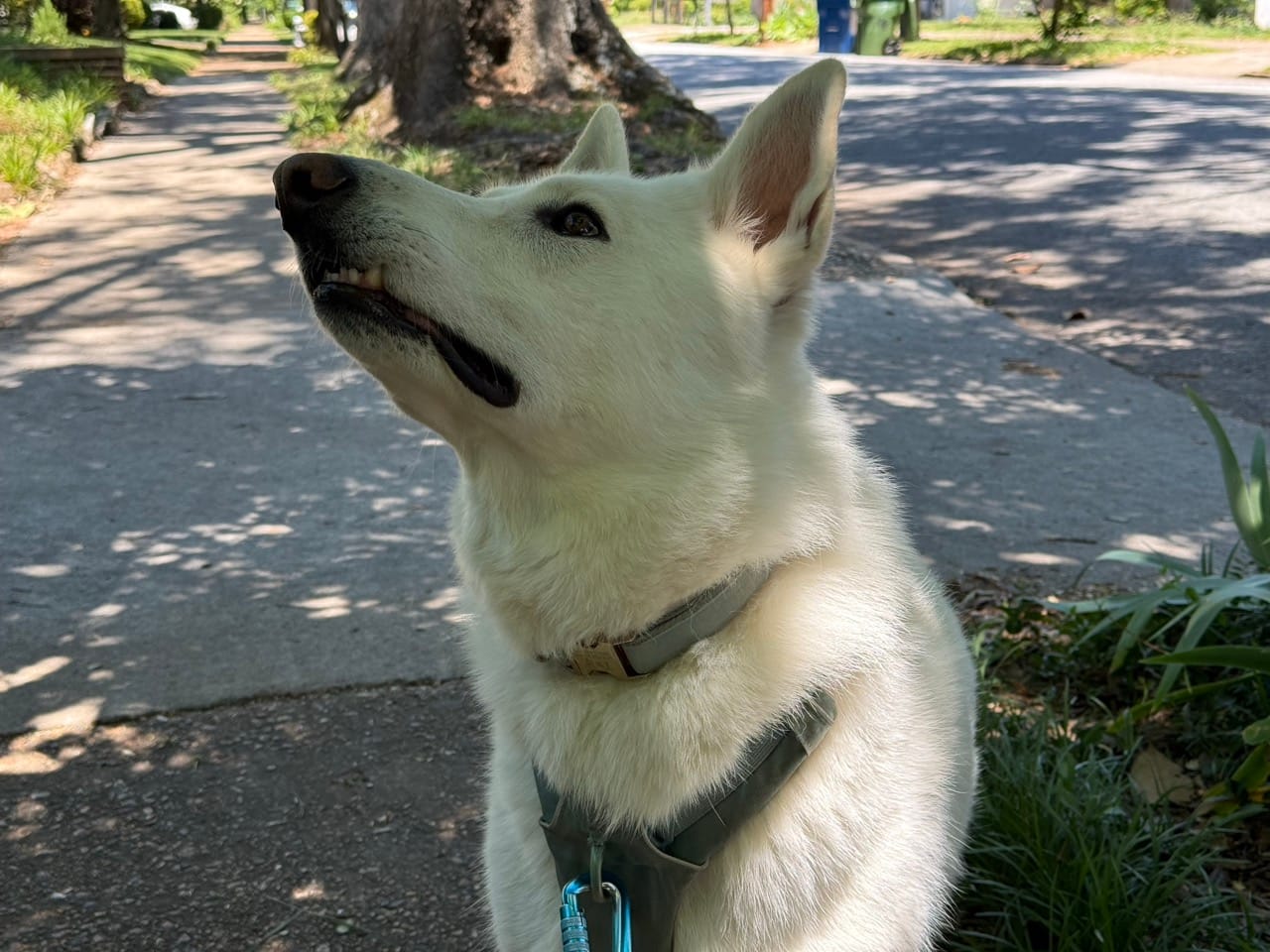
Mandatory Twig the wolf